
Post Reels & Shorts on Autopilot
Drop your clips in a Google Drive folder, pick “2 a day”, and ClipperOps drafts the captions, titles and hashtags, then posts to Instagram Reels and YouTube Shorts on schedule.
- 2platforms, one queue
- 0passwords shared
- ₹0to start
- Instagram Reels
- YouTube Shorts
- Google Drive folder sync
- AI captions
- Calendar scheduling
- Automatic retries
- Post history
- Official APIs
- Licensed clip packs
- Instagram Reels
- YouTube Shorts
- Google Drive folder sync
- AI captions
- Calendar scheduling
- Automatic retries
- Post history
- Official APIs
- Licensed clip packs



*Illustrative estimate of the time to upload, caption and schedule one clip by hand on both platforms. Your time will vary.
From folder to feed in four steps
Set it up once. ClipperOps handles the daily uploads while you make the next video.
Add a Drive folder
Paste a Google Drive folder link shared as “Anyone with the link”. New clips join your queue on their own, and nothing is posted twice.
Set your schedule
Pick the days and times to post, in your time zone. At each slot ClipperOps takes the next unposted clip, in file-name order.
AI writes captions
A YouTube #Shorts title, description and tags plus an Instagram caption and hashtags, in your niche, tone and language.
Publish & track
Published through the official Instagram and YouTube APIs. Failed posts retry automatically, and every post shows up in your history.
Everything a short-form creator
needs to stay consistent
AI captions for every clip
Set your niche, language (English, Hindi, Hinglish, Tamil or Telugu), tone, always-add hashtags and call to action once. ClipperOps drafts the Instagram caption and hashtags plus the YouTube title, description, tags and category. Preview or override any clip’s caption before its slot.
No passwords. Ever.
Connect with one Allow on Google's and Meta's own screens. Tokens are encrypted and never shown back, and you can revoke them anytime.
Calendar scheduling
Choose days and times per schedule in your own time zone (daylight-saving safe). Slots are planned 48 hours ahead.
Never posts a clip twice
Each slot takes the next unposted clip from your folder in natural file-name order (1, 2, 10), so you control the order by naming files.
Automatic retries
Temporary failures retry with back-off (2, 10, 30, 60 min). Expired connections are flagged as “reconnect needed”.
Post history
See every post's status, attempts, errors and live link, and retry a failed one with one click.
Store packs in one click
Bought a licensed pack? Add its ready Drive folder to Autopilot with one click, no downloading or re-uploading.
Analytics, alerts & approvals Coming soon
Post analytics, Telegram and email alerts, and approve-before-post are on the roadmap.
Out of clips? Grab a licensed pack.
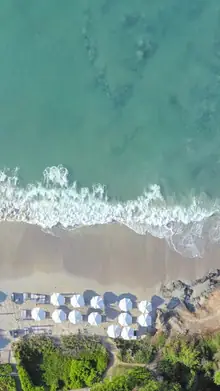
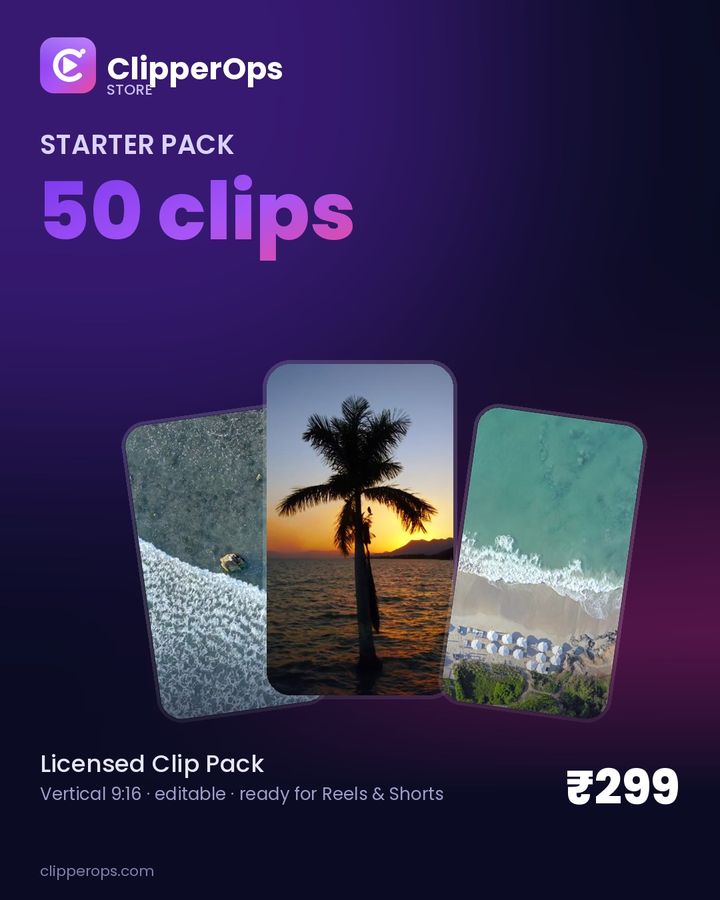
Vertical clip packs you're licensed to edit and post on your own accounts. Buy once, add the pack folder to Autopilot in one click, and it does the rest.
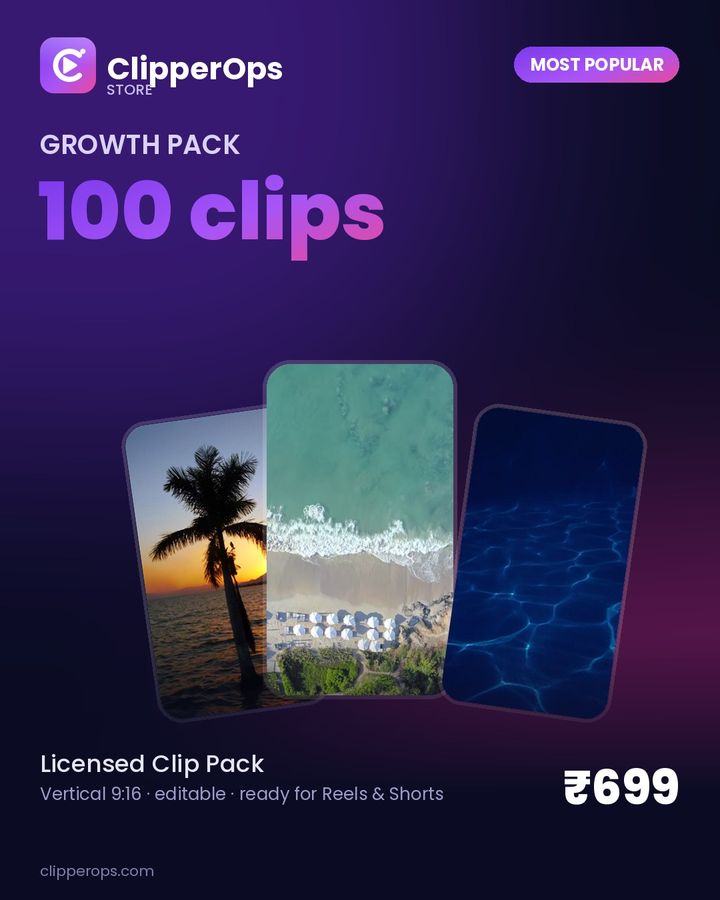
Growth Pack Most popular
About 3 months of daily posts
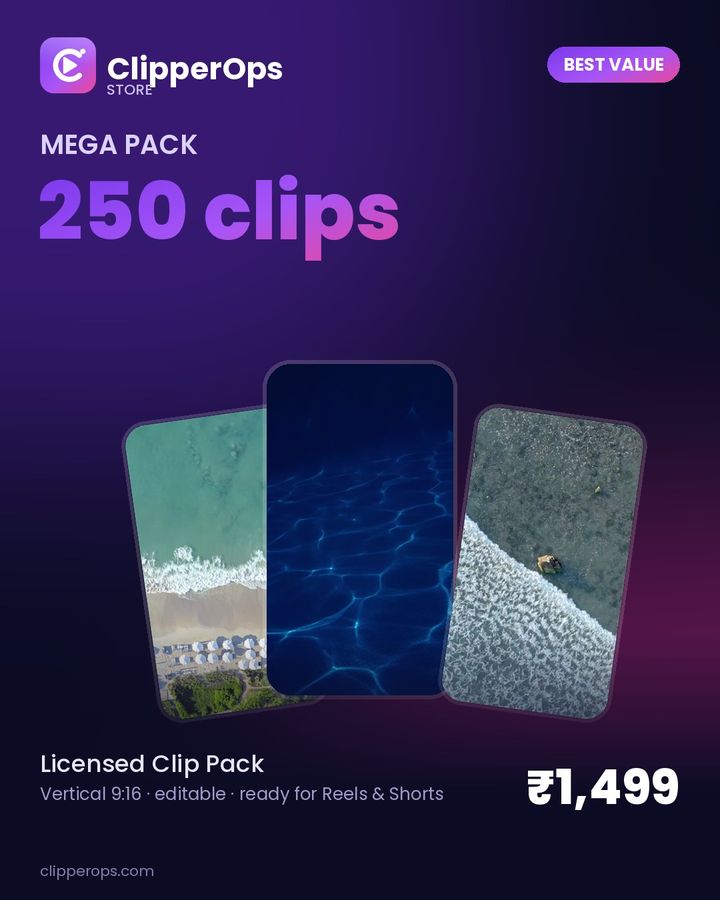
Mega Pack Best value
For several pages
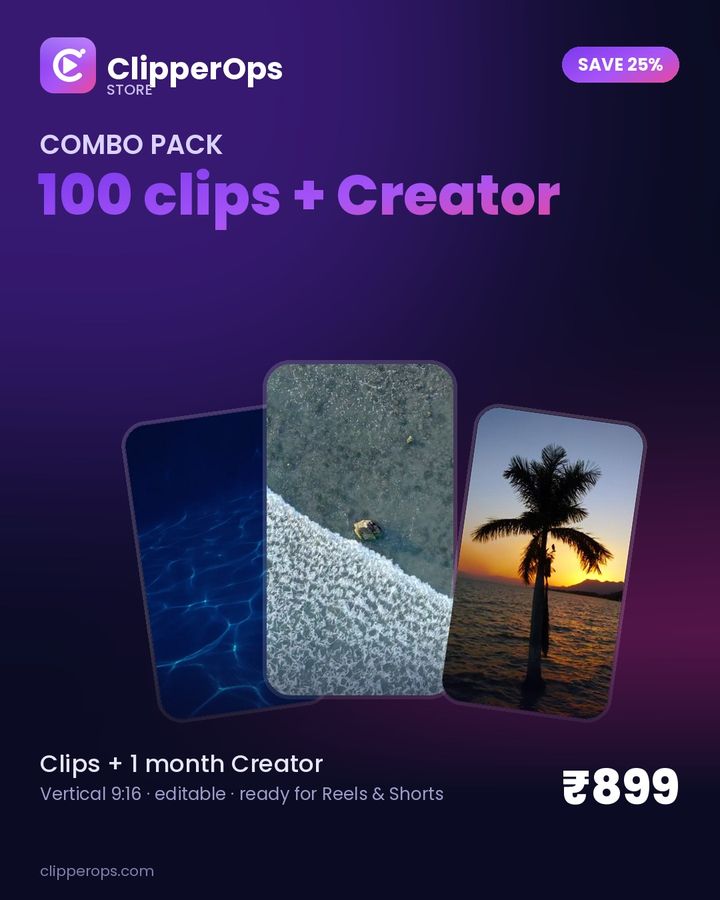
Combo Save 25%
Pack + 1 month Creator plan
Licensed for posting on your own and client pages. Results depend on your content and audience. See what's in each pack.
Simple plans. Priced for creators.
Start free, upgrade when you're posting daily. Prices in INR, GST extra.
Free
Try Autopilot on one account of each.
- 1 Instagram + 1 YouTube
- 1 post / day per account, 10 / month
- 1 Google Drive folder · 1 schedule
- AI captions in 5 languages
- Post history with retries
Creator
For one creator posting every day.
- 2 Instagram + 2 YouTube
- Up to 2 posts / day per account
- No monthly post cap
- 3 Drive folders · 4 schedules
- AI captions in 5 languages
- Telegram + email alerts Coming soon
- Store subscriber discount Coming soon
Pro
More accounts, more volume.
- 5 Instagram + 5 YouTube
- Up to 4 posts / day per account
- No monthly post cap
- 10 Drive folders · 10 schedules
- Analytics & suggested times Coming soon
- Hashtag & keyword research Coming soon
- Store subscriber discount Coming soon
Agency
Run client pages from one dashboard.
- 15 Instagram + 15 YouTube
- Up to 4 posts / day per account
- No monthly post cap
- 1,000 Drive folders · 30 schedules
- Priority email support
- Team seats & client workspaces Coming soon
- Client reports Coming soon
Yearly = 2 months free. Every account starts on Free; choose a paid plan in the app under Billing (Razorpay). Compare all features.
Questions, answered
Reach depends on the video and how your audience responds to it. ClipperOps publishes through the same official publishing APIs that other scheduling tools use. We don't promise views or growth, and nobody honestly can.
No. ClipperOps only publishes your own videos with your captions. It does not run engagement bots, auto-like, auto-follow, auto-comment, scroll feeds, or sell followers, likes or views.
Never. You connect through Meta's and Google's own consent screens and click Allow. We store encrypted access tokens, which you can revoke at any time.
Packs are licensed for posting on your own pages and on client pages you manage. You may edit and post them. Resale of the raw clips is not included.
Free is ₹0. Creator is ₹499/month, Pro ₹1,299/month and Agency ₹2,999/month. Yearly billing gives you 2 months free: ₹4,990, ₹12,990 and ₹29,990 per year. GST is extra where applicable.
Your next 100 posts,
already scheduled.
Connect a folder in about a minute. The Free plan includes 10 posts a month.
Get started free ▸